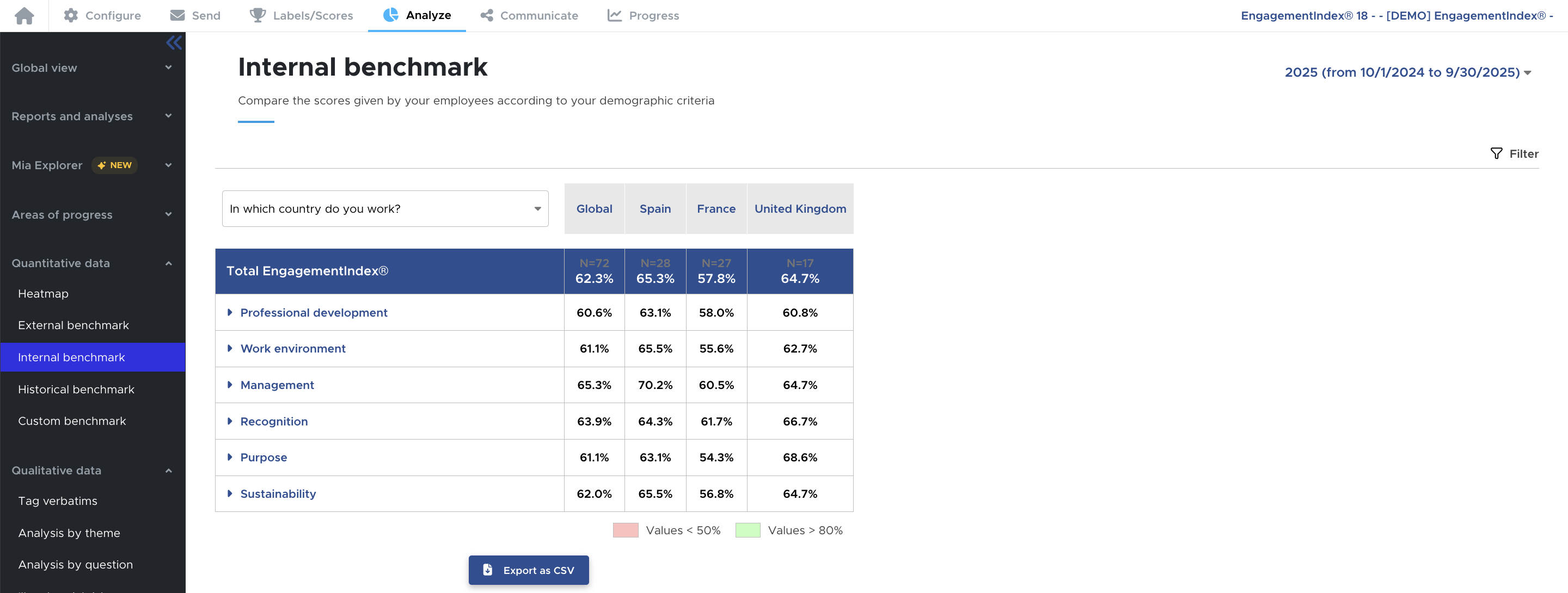
You have added demographic questions such as department, country, or location, for example, and you want to compare your populations with each other.
We offer two ways to compare them :
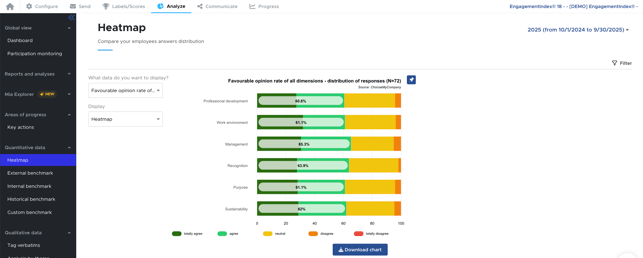
- First, you can filter by a population to isolate its results. This feature is especially useful if you want to provide feedback by manager, for instance. Go to the "Analyze" tab and use the "Filter" button.
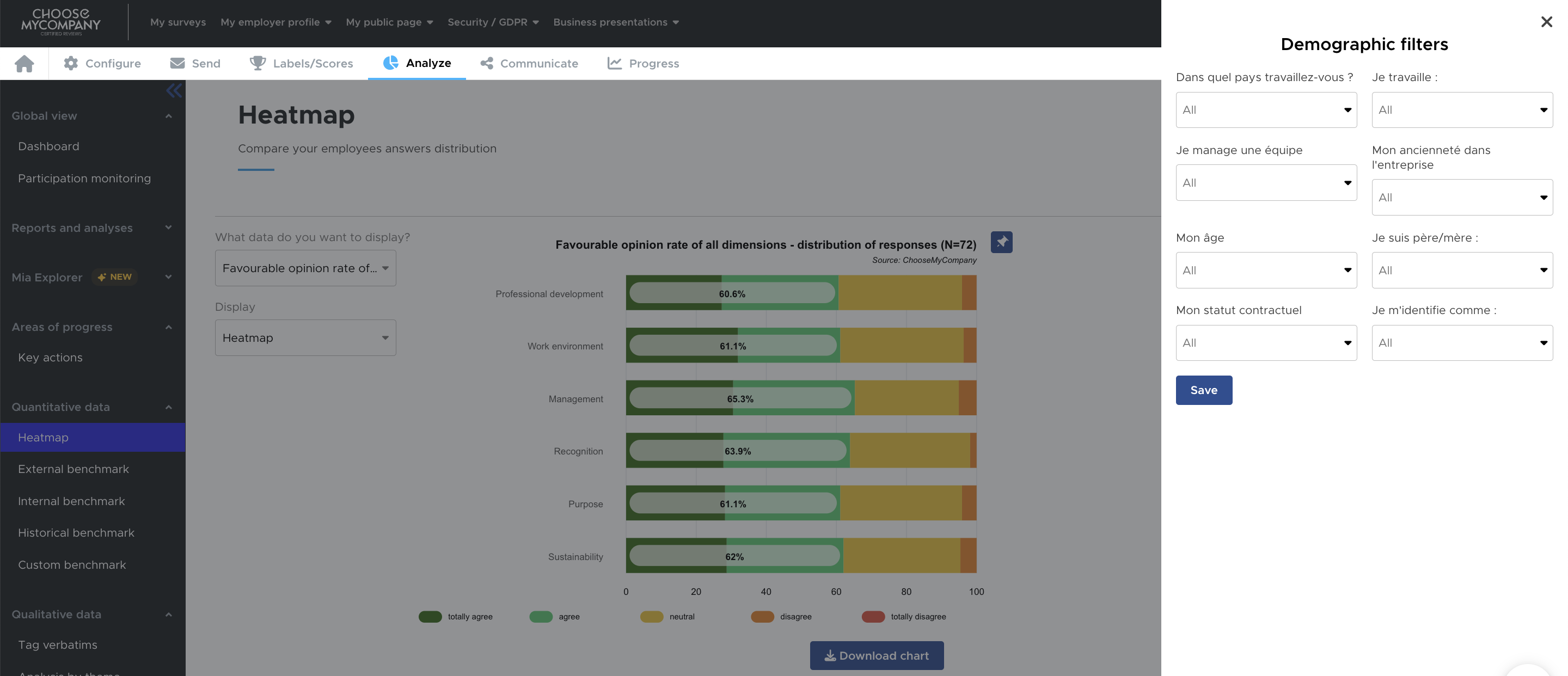
- You can use the internal benchmark to compare your populations with each other. This feature allows you, in particular, to identify potential engagement gaps. You can combine the internal benchmark with the filters on the right to make your analysis even more precise.