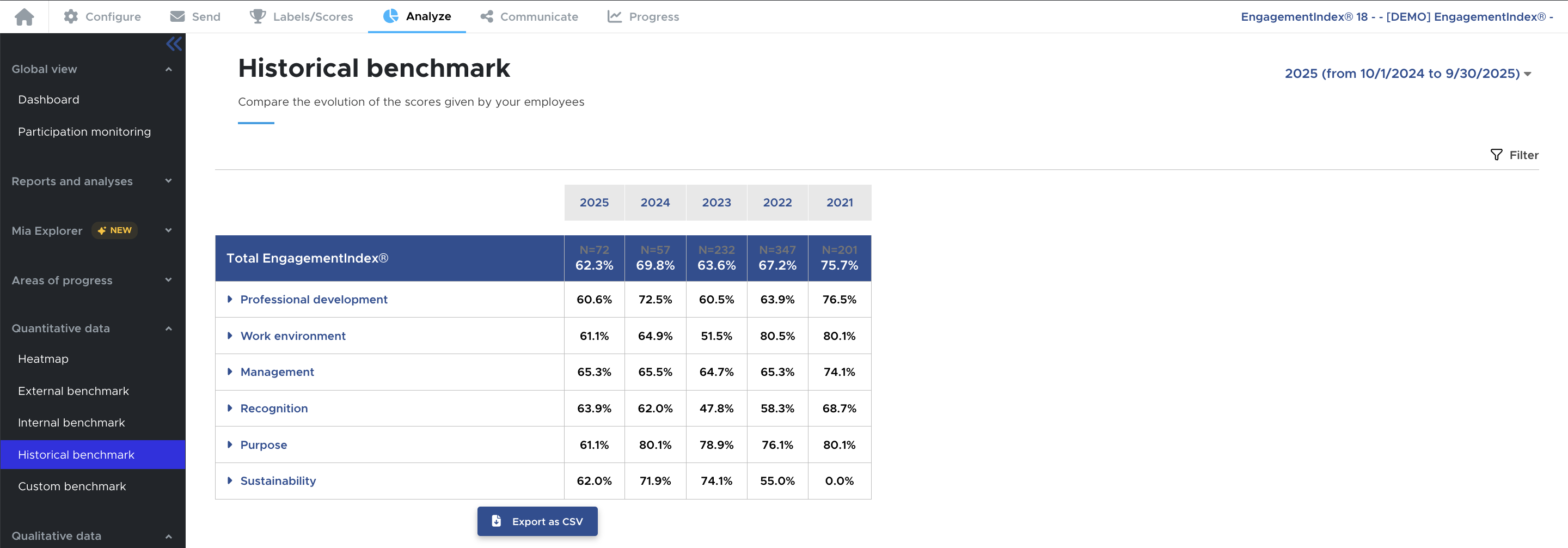
To help you track the evolution of your results from year to year, you will have access in your workspace to a dedicated survey sheet for each model. This sheet allows you to easily view the results for the current year as well as previous years.
You can track the evolution of your results in several ways:
- In the "Labels/Scores" tab of your survey, find on the left the accreditation results for all your years of participation.
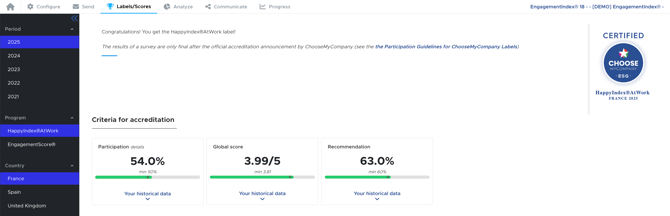
- In the "Analyze" tab, you will find a time filter that allows you to access all the data from previous years.

- Also, in the "Analyze" tab → "Historical Benchmark" find the evolution of your results across your different participations.