The internal benchmark aims to compare results between your different populations, based on the demographic questions you added to your questionnaire.
On the left, you will find the list of the questions that were added.
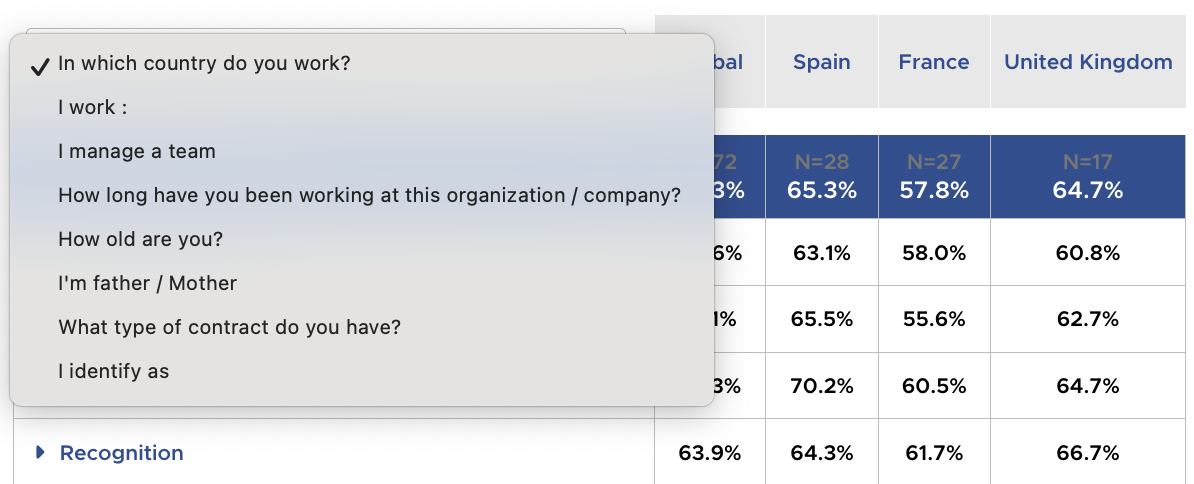
How to read it ?

On the first line, you will find the average positive opinion rates and the number of respondents, first overall and then for each of your segmentations.
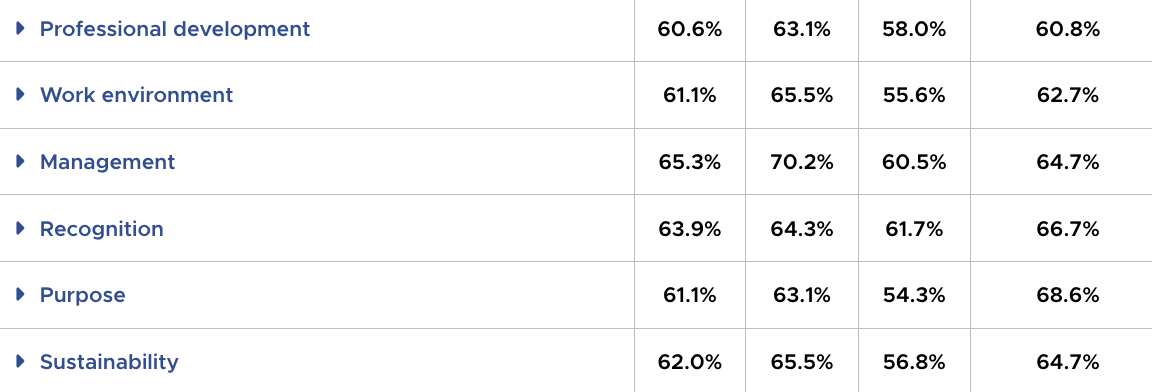
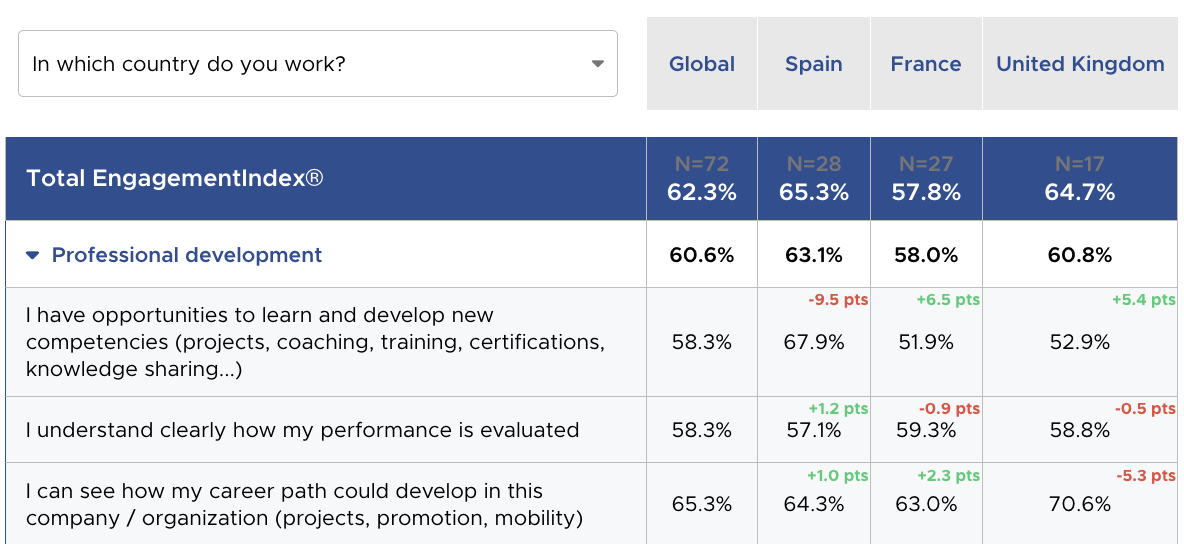
You can also apply an additional filter in the top-right corner. For example, you can choose to view only the results for France and get a comparison of the results by department.
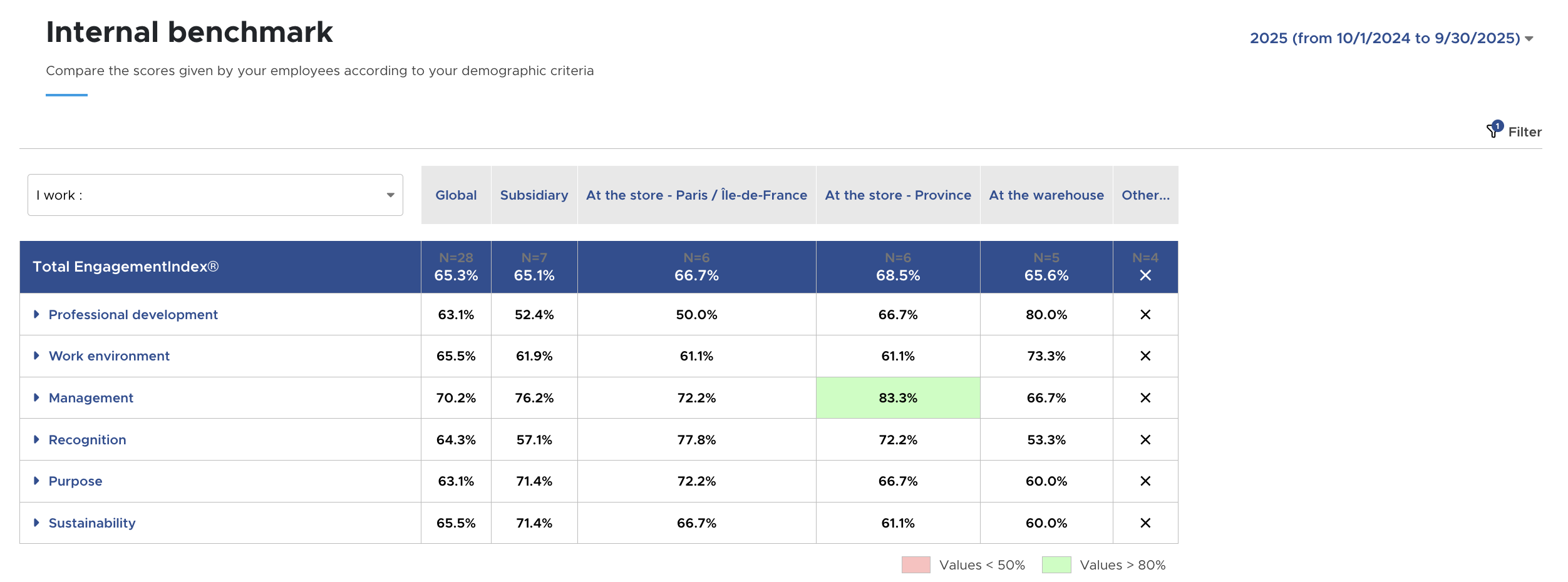
An anonymity threshold of 5 is also applied when fewer than 5 people match given characteristics:
- If a single segmentation, for example, receives fewer than 5 responses, crosses will appear.
- If several segmentations each have fewer than 5 responses, their results will be grouped together.