Issue : An employee did not receive their invitation.
If an employee can't find or hasn't received their invitation, it may be due to several reasons. Here are the steps to check:
-
The invitation was sent
- Make sure the person is included in the list of invitees.
- Ensure that the invitation send date has already passed.
-
No sending error was detected
-
Check that there is no sending failure or invalid email address associated with this person.
-
- The email is not blocked by spam filters or IT department
-
-
Ask the employee to check their "spam" or "junk mail" folder.
-
Check with your IT department whether the email was received on their servers but blocked before reaching the employee's inbox.
-
Make sure whitelisting has been properly configured.
-
If all these points have been checked and no solution has been found :
- You can send the generic link directly to the employee, if you have one
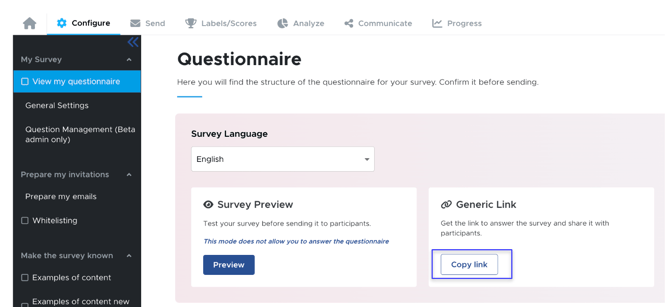
- Or contact your project manager, who can send them a new invitation.